What employees see
The directory in the employee app lists your active employees with their name, job, department and work location. You choose whether it shows their work email and their mobile phone. Until you change it, the directory is on and shows emails but not phone numbers.
Change the directory
- In the menu, under Settings, open Company and select Company Settings. Open the Employee portal tab.
-
In Coworker Directory, tick or clear Show the coworker directory in the employee app (1), Show work emails (2) and Show mobile phones (3).
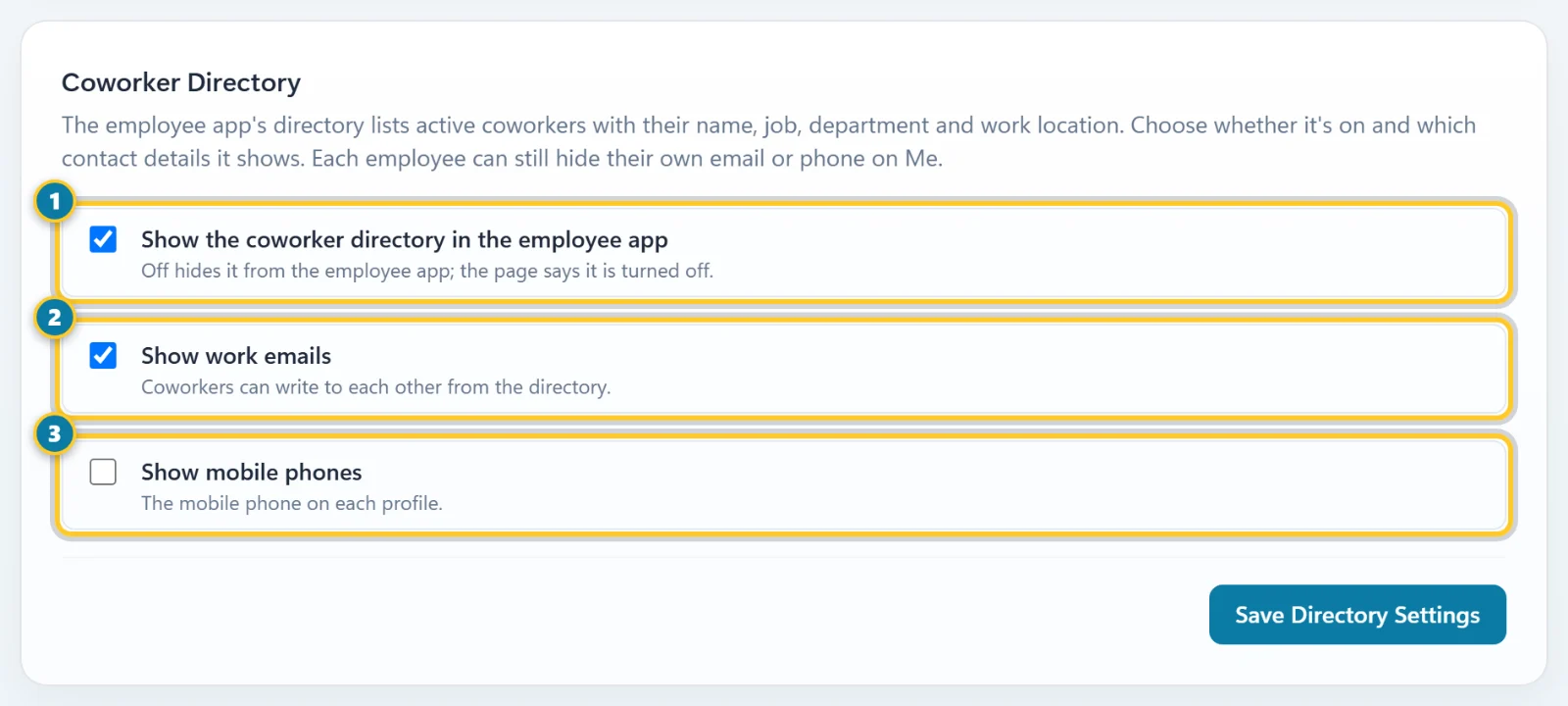
Turn the directory on or off (1), and choose whether it shows emails (2) and mobile phones (3). - Select Save Directory Settings.
With the directory off, its link leaves the employee app's Requests page, and the page tells anyone who opens it that it's turned off.
Each employee's own choice
Employees can hide their own email or mobile phone on Me in the employee app, under Coworker directory. A hidden email or phone never shows, and the directory's search finds coworkers by name only. You and other managers still see everything on the employee's profile.